Check Trial Balance
On this page
Check Trial Balance finds what makes the Trial Balance disagree: a bill, note or voucher whose debits and credits differ, one that posts to an account no longer in your books, or opening balances that do not agree. On well-kept books the list is empty. When it is not, Enter opens each bill or voucher so you can correct it.
Open the report
Press Alt+8 for Utilities, then P for Check Trial Balance. The report opens for the financial year from its first day to today.
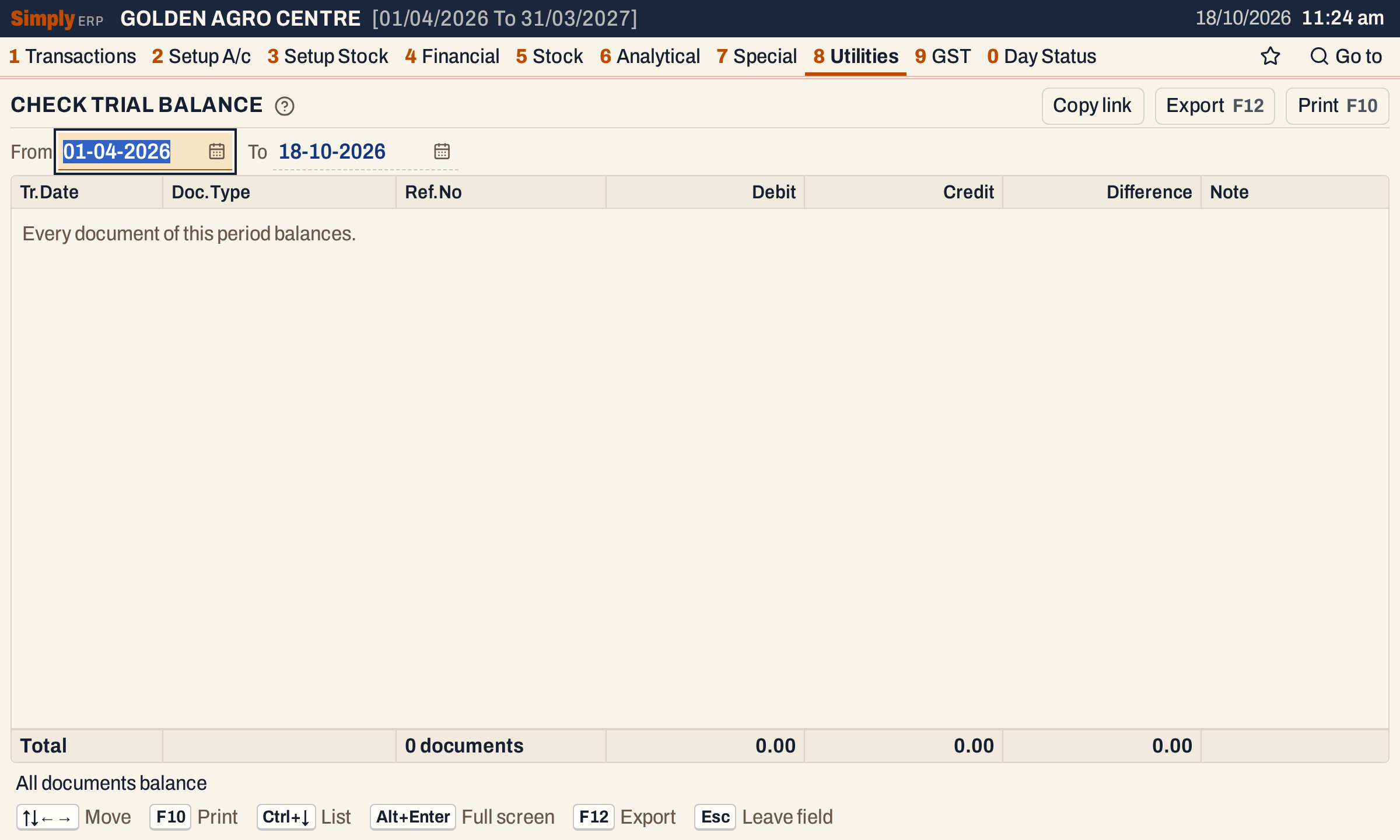 On the books’ last day no document of the year is listed, and the status line says All documents balance.
What it checks
SimplyERP gathers the postings of the period from the ledger and groups them into documents. A bill or note is one document, a voucher is one document, and all the opening balances together are one document. A document is listed when either of these is true:
- its debits and credits differ by half a paisa or more;
- one of its postings goes to an account that is no longer in the books.
A document that balances and posts only to accounts in the books is not listed.
Columns
| Column | What it shows |
|---|---|
| Tr.Date | The earliest date of the document’s postings. |
| Doc.Type | The kind of document: Sale, Purchase, Sales return, Purchase return, Credit note issued, Debit note received, Other purchase, Cash receipt, Bank payment, Journal, Opening balances and so on. |
| Ref.No | The bill’s number, for a bill or note. For a voucher, its voucher reference. Blank for the opening balances. |
| Debit | The total of the document’s debit postings. |
| Credit | The total of its credit postings. |
| Difference | Debit less Credit. Shown in red when it is not nil. |
| Note | How many postings go to an account that is no longer in the books, such as 1 line posts to a missing account. |
The lines are in date order, then by document type and reference.
Choices
| Choice | What it does |
|---|---|
| From, To | The period. Postings dated within both days are checked, both days included. From starts at the financial year’s first day and To at the working date. The calendar offers only the days of the financial year. |
The list has no other choices: it checks every kind of document in the period.
 From and To set the period. The check runs over it again whenever they change.
How the figures are worked out
- Which postings belong together: every posting of a bill or note is grouped under that bill or note. The postings of a voucher are grouped under its voucher reference, and the opening balances of all accounts are grouped together.
- Debit is the total of that document’s debit postings, and Credit the total of its credit postings, each rounded to the paisa.
- Difference is Debit less Credit. A document with a difference of half a paisa or more is listed, whether the difference is a debit or a credit.
- Note counts the document’s postings to an account that is not in the books. A document with any such posting is listed even when its Difference is nil.
- Totals: the count of documents listed, and the sums of Debit, Credit and Difference over them.
- Status line: All documents balance when no document is listed. Otherwise it gives the number of documents listed and the total Difference.
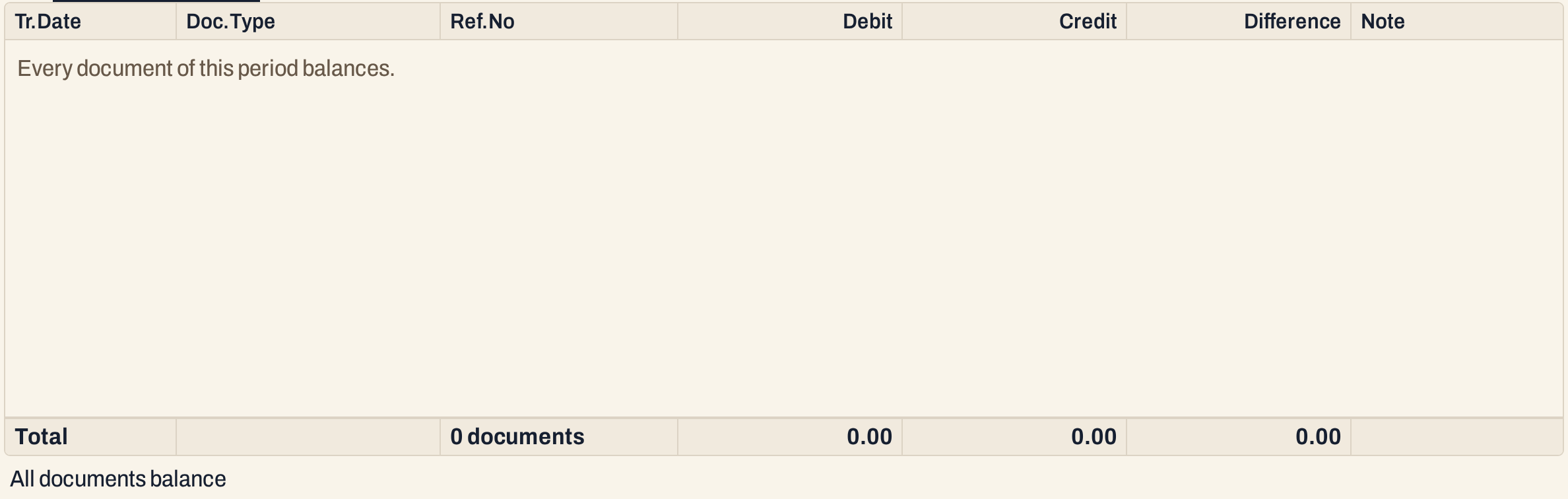 The list when no document is listed: the totals line and the status line.
When the opening balances do not agree
Bills, notes and vouchers saved in SimplyERP post equal debits and credits, so they are normally not listed. Opening balances are different: each account’s opening balance is saved on its own, so the opening balances as a whole differ until the debits and credits agree. An opening balance is posted on the financial year’s first day, so it is checked when the period includes that day.
Here a new customer was added with an opening balance of ₹5,000.00 Dr and nothing to balance it. The Opening balances line has a Debit of 15,14,020.00 against a Credit of 15,09,020.00, and a Difference of 5,000.00.
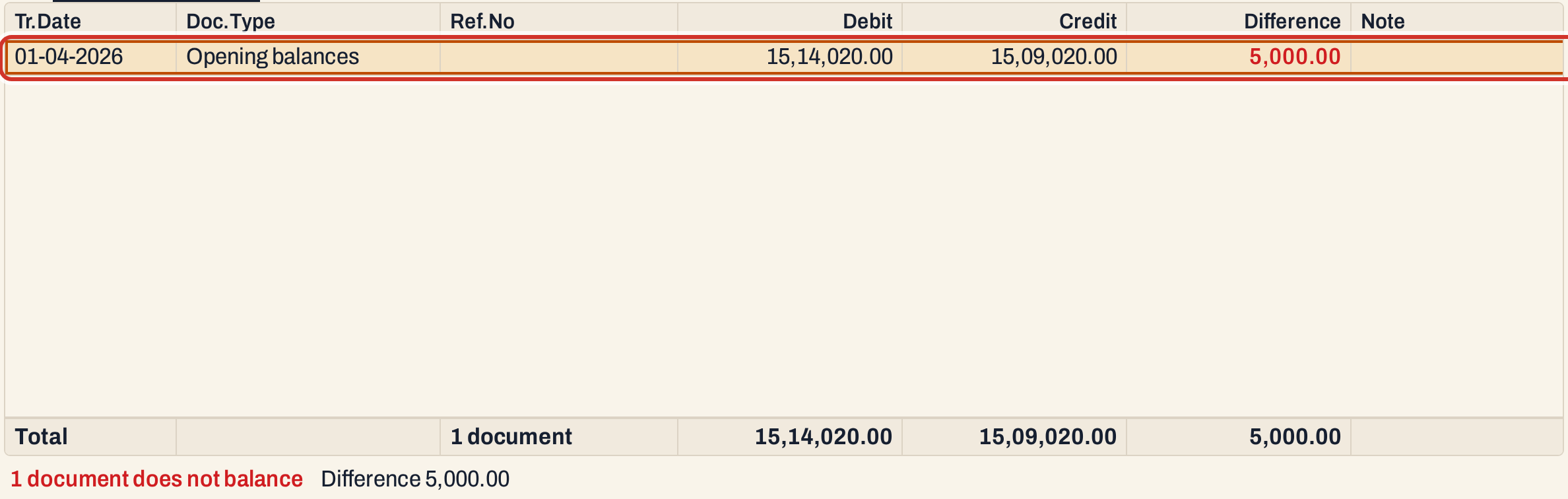 The Opening balances line does not open with Enter. Change the opening balances of the accounts in Head of Accounts (2 A) until the Difference is nil.
Open, print and export
- Enter opens the bill, or the voucher, that a line is for, so it can be corrected. A line that names neither a bill nor a voucher, such as Opening balances, does not open.
- F10 prints the list as Trial Balance Differences. A missing-account note prints under the reference. Its totals are the sums of Debit, Credit and Difference.
- F12 exports the list to Excel. Copy link gives a link that opens the same period.
Keys on this screen
| Key | What it does |
|---|---|
| Enter | Open the bill or voucher of the line |
| F10 | Print the list |
| F12 | Export the list to Excel |
| Alt+Enter | Give the list the whole window |
Common questions
What do I do with a document in the list? Press Enter on it and correct the bill or voucher, then check the list again for the same period. For the Opening balances line, correct the accounts’ opening balances.
What does “posts to a missing account” mean? One of the document’s postings names an account that is no longer in your books. Open the document to find that posting.
Why is the list empty when my Trial Balance shows a difference? The check covers only the days in From and To. Set them to the period of the Trial Balance.
Updated 4 November 2026.